



.png)
.png)


Community Enterprise Odoo.sh


Period Lock
Features
- You can assign permission to specific users to unlock the period.
- Journals can be restricted for a designated time frame.
- Locking the date helps prevent users from posting incorrect transactions.
- Avoids creating conflicting period lock records.
- An 'Unlock' feature is available to remove the lock when needed if user has the permission.
- Install and use it without requiring any more configuration.
- Lock and unlock journals across multiple companies.
Period Lock
- The "Period Lock" module restricts specific journals, by locking transactions within a specified date range. An unlock option is available to reverse the lock when needed. This ensures users are prevented from posting journals after the defined period.
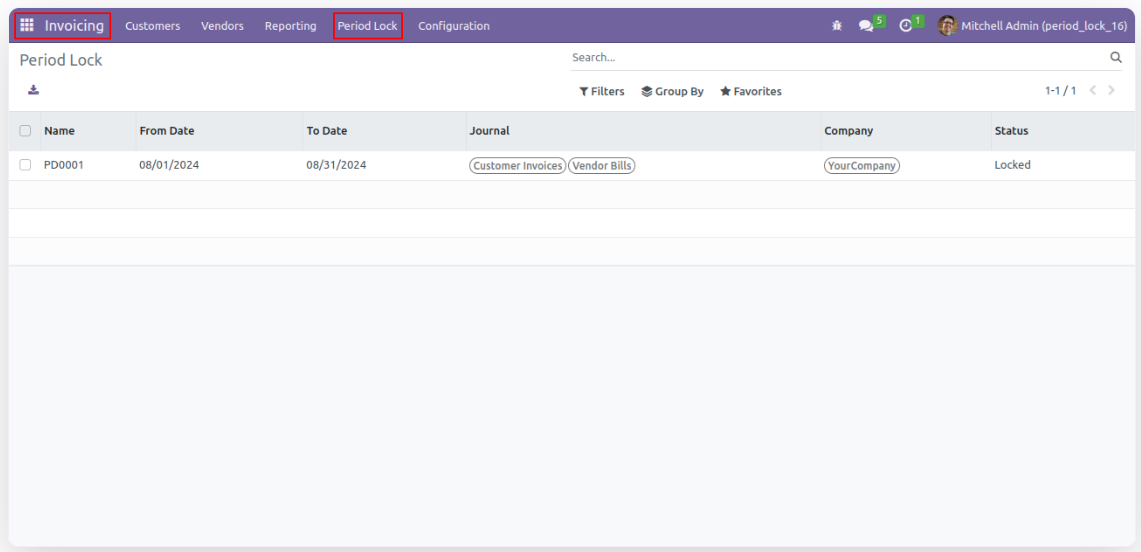
- Go to the "Period Lock" menu.
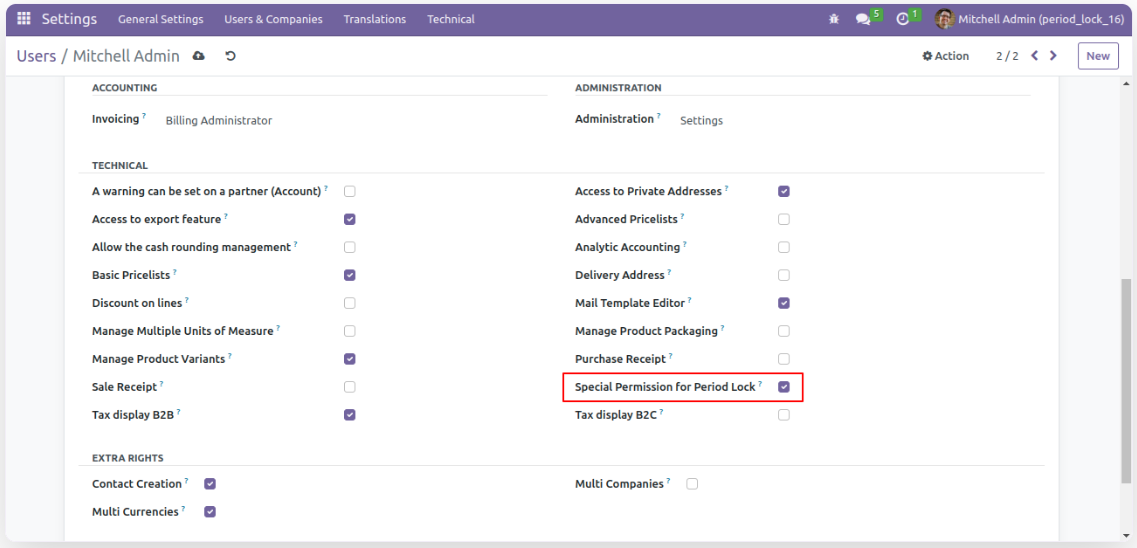
- In order to create or edit Period Lock avail below permission.
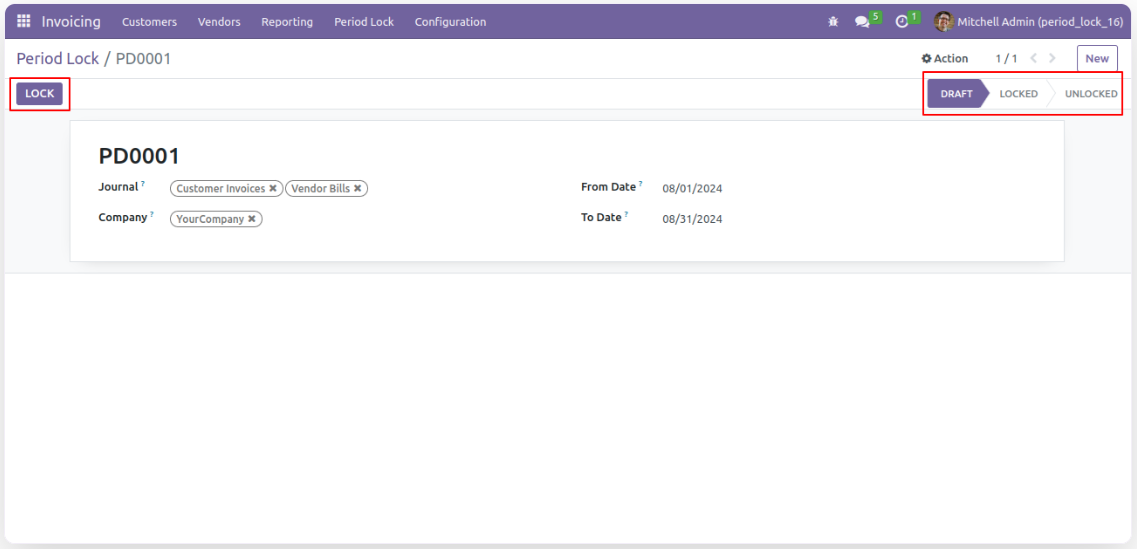
- Enter details in 'Period Lock' form view and lock it.
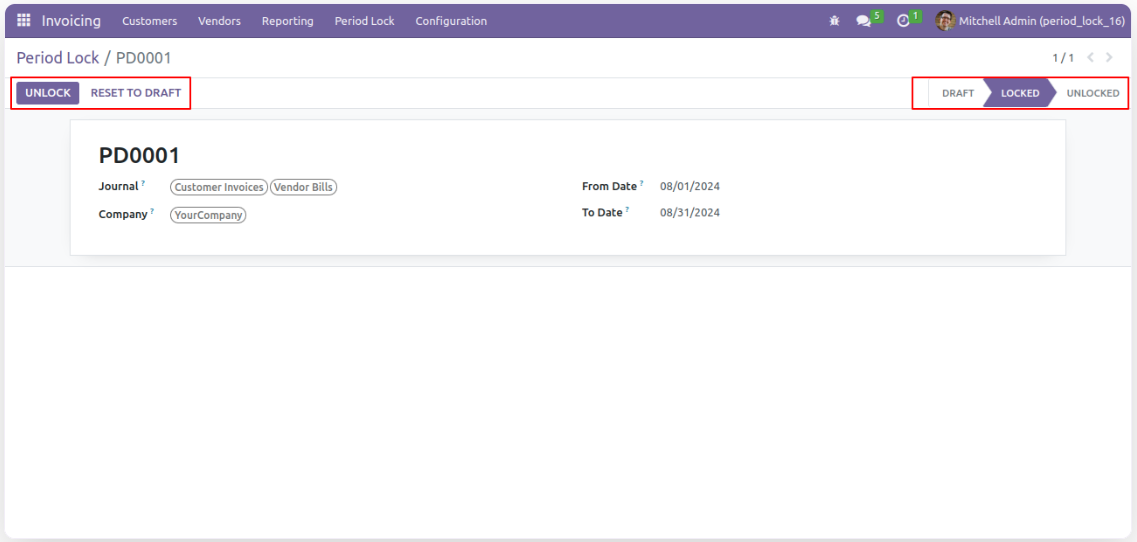
- 'Unlock' button is available to revert the lock when required.
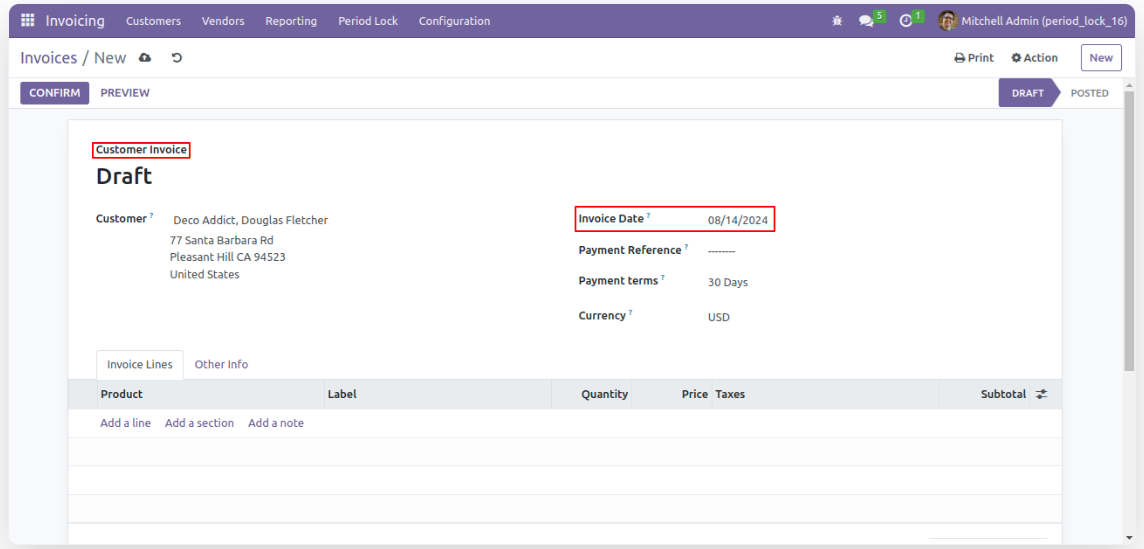
- Now, creating invoice between 'To Date' and 'From Date' of locked record in Period Lock will not be allowed
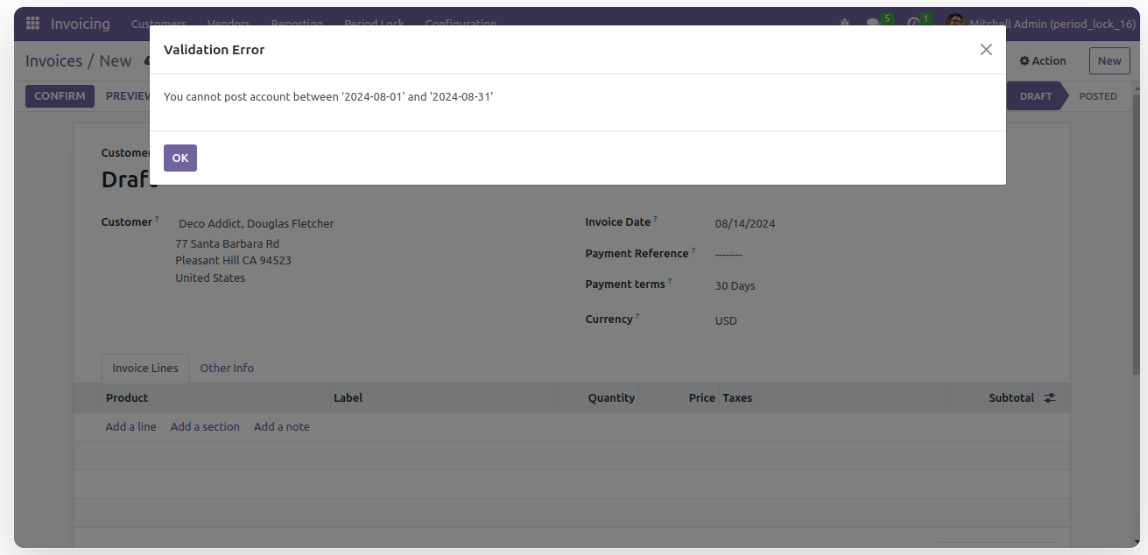
- Hence it generates an alert for that.
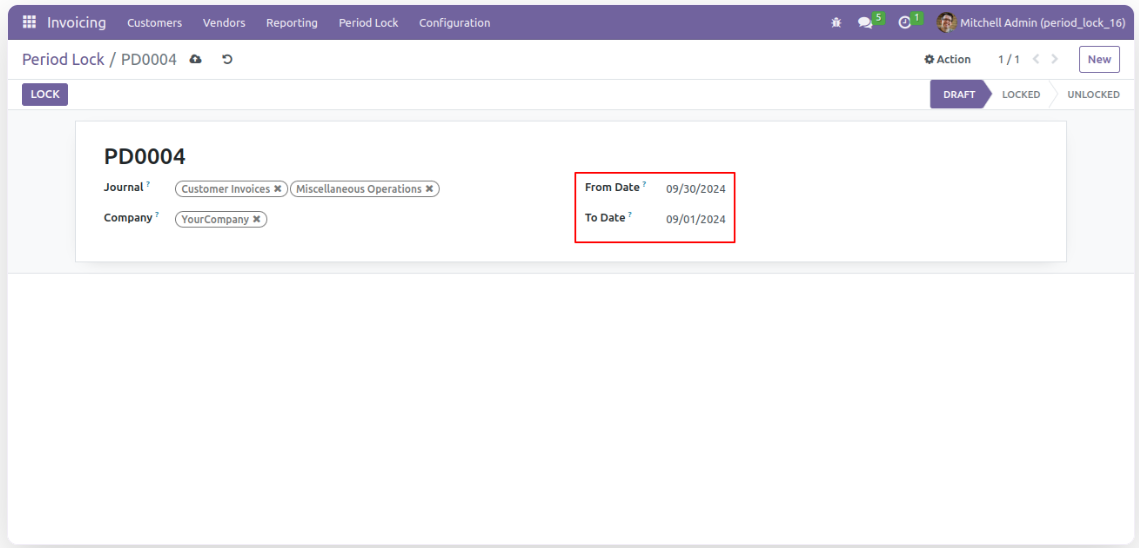
- Let's create new record of Period Lock to understand constrains.
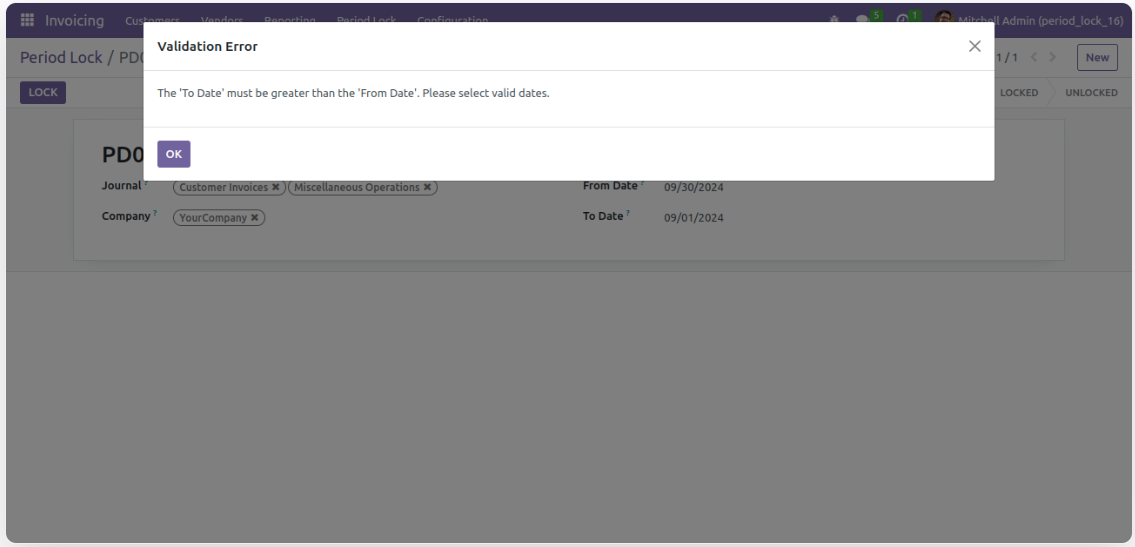
- It triggers an alert if the "From Date" and "To Date" are set incorrectly.
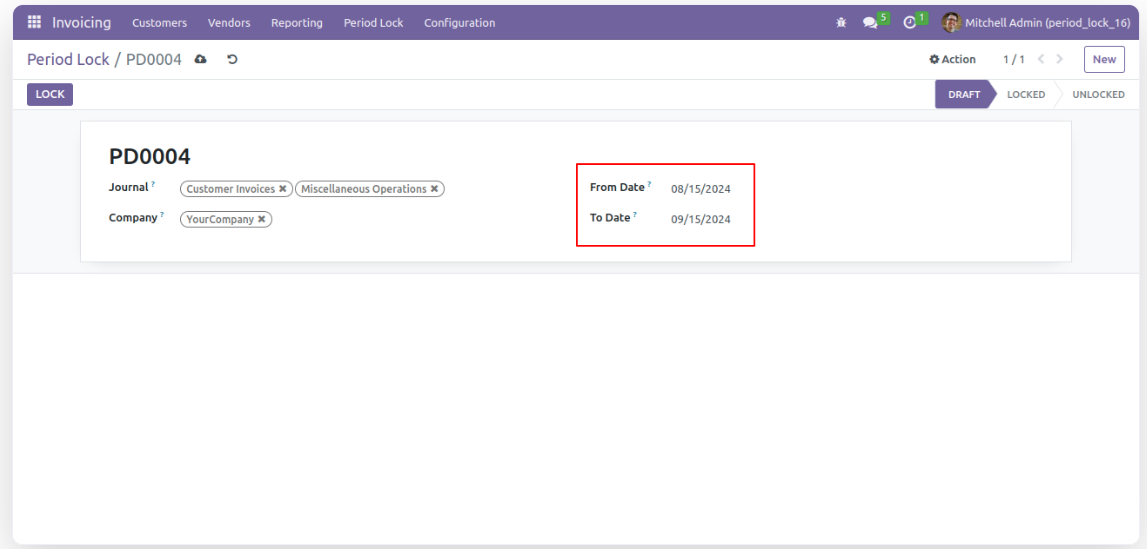
- There should not be any previous record which overlaps date range of current active record.
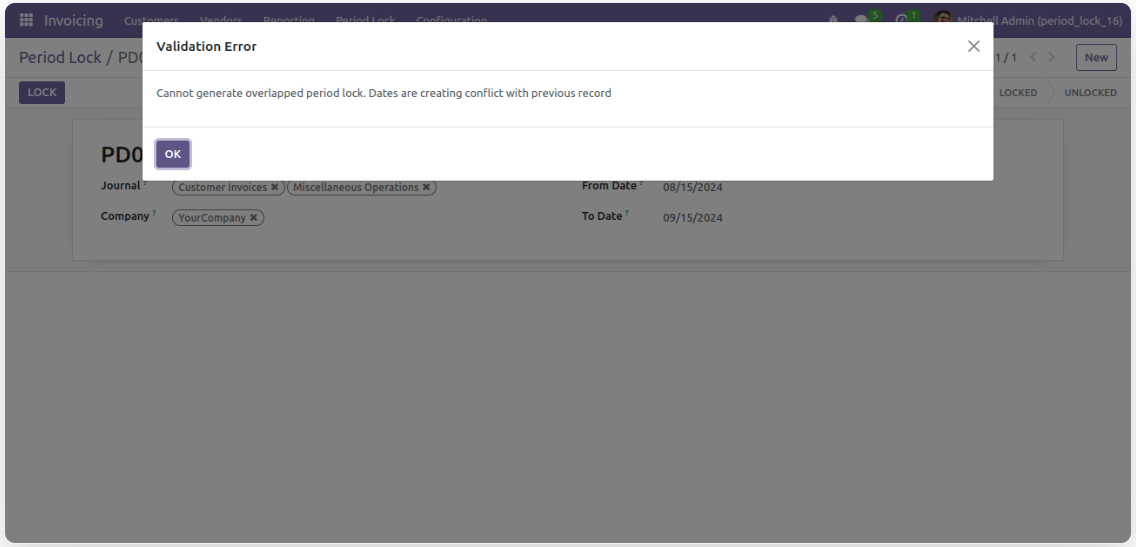
- That will trigger the following alert.
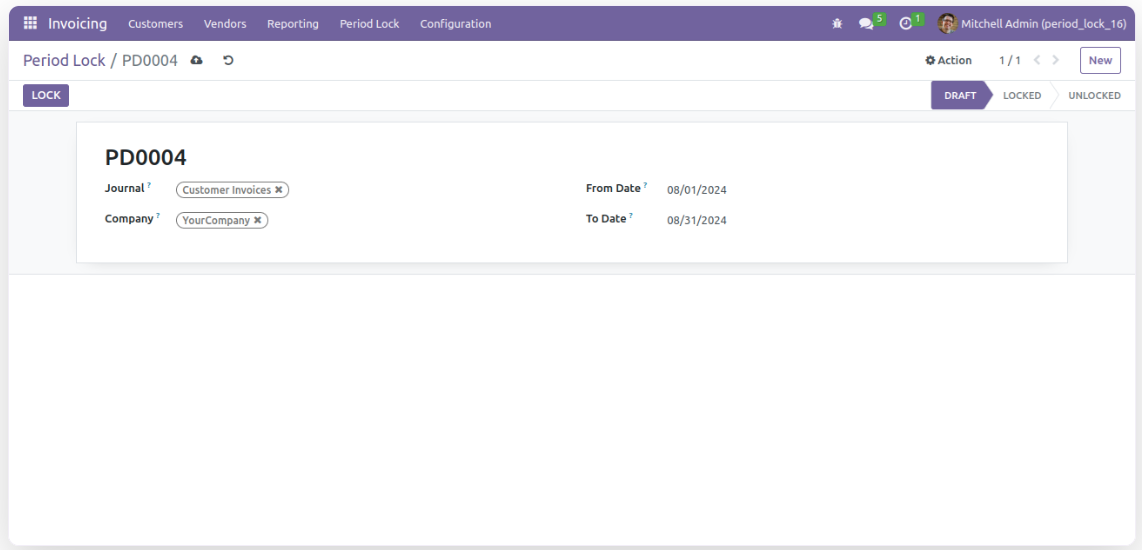
- There should not be any pervious record with the same journal and range of date.

- The following alert will get triggered in that case.